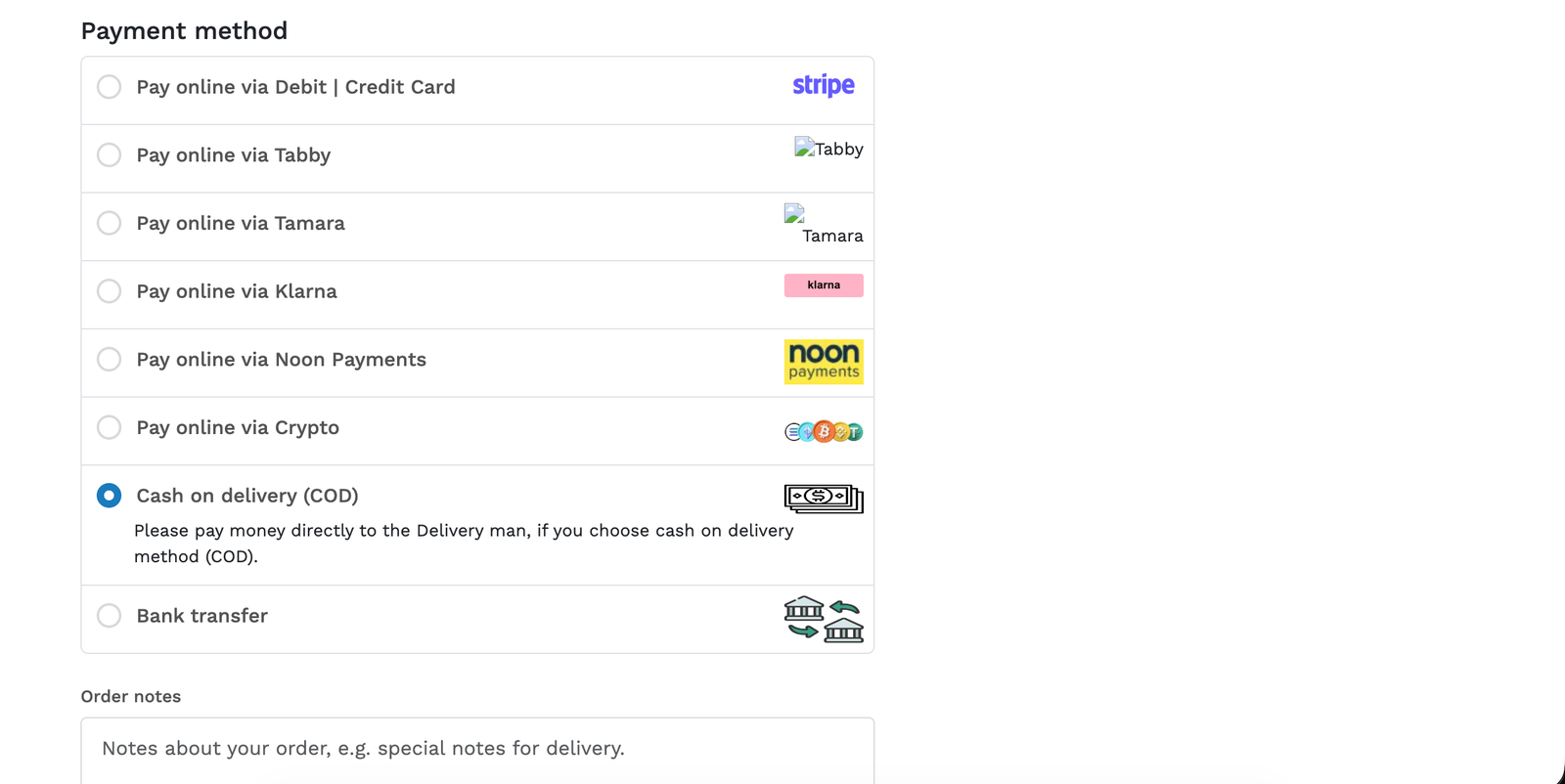
Noon Payments Gateway Plugin for Botble CMS
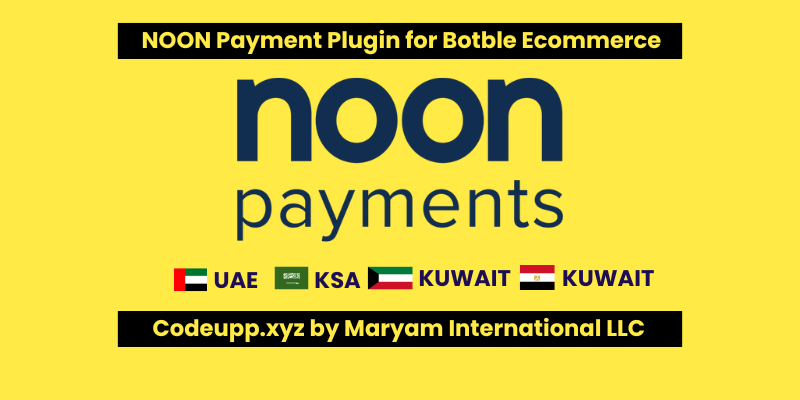
Accept secure payments across the UAE, Saudi Arabia, and Egypt with Noon Payments.
About
The Official Noon Payments gateway integration for Botble CMS (compatible with Shofy, Nest, Farmart, Martfury, etc.). This plugin enables you to securely process credit cards, Apple Pay, and installments through the Noon Payments platform.
Version: 1.0.0
Minimum Core Version: 7.3.0
Requires: botble/payment
Developed By
Maryam International LLC
🌐 Website: www.codeupp.xyz
📧 Email: maryaminternationalllc@gmail.com
📱 WhatsApp: +971553682656
Installation
Upload the NoonPaymentsByCodeupp folder to the platform/plugins/ directory of your Botble installation. You can do this via FTP, cPanel File Manager, or SSH.
Go to your Botble Admin Panel.
Navigate to Admin → Plugins.
Locate Noon Payments Gateway by Codeupp in the list and click Activate.
Configuration
After activation, go to Admin → Payments.
Scroll down to find the Noon Payments section.
Fill in the following fields provided by your Noon Payments account dashboard:
Field
Description
App Identifier
Your Noon App Identifier (e.g., Merchant App Name)
API Key
Your Business Key from Noon
App Access Key
The specific Access Key for your Noon App
Business Identifier
Your Noon Business Identifier
Accepted Currency
Choose the currency your Noon account is verified to accept (e.g., AED, SAR, EGP). Note: If a customer checks out in a different currency, Botble will automatically convert it to this currency before sending it to Noon.
Sandbox Mode
Toggle on (🟡) for testing, or toggle off (🟢) for live transactions.
Click Save settings.
API Environments
Sandbox: https://api-test.noonpayments.com/payment/v1/
Production: https://api.noonpayments.com/payment/v1/
Currency Handling
This plugin utilizes Botble's native currency conversion. You do not need a separate API for currency conversion. If your website accepts multiple currencies (e.g., USD, EUR, GBP), but your Noon Payments merchant account is registered in the UAE (AED), simply select AED as your Accepted Currency in the Noon Payment settings. When a customer checks out in USD, the plugin will seamlessly use Botble's database to convert the total from USD to AED and pass the correct AED amount to the Noon payment portal.
Support
For any issues, custom modifications, or questions regarding this plugin, please reach out:
Maryam International LLC
🌐 www.codeupp.xyz
📧 maryaminternationalllc@gmail.com
📱 WhatsApp: +971553682656
Changelogv1.0.0
Initial Release
Implemented Initiate and Get Order APIs
Added auto-currency conversion using Botble's native exchange rates
Added Sandbox / Live toggles
Built to Botble coding standards and Maryam International LLC branding guidelines
License
Proprietary — Developed by Maryam International LLC. All rights reserved.
Have doubt? Contact us on WhatsApp
Our product is high quality. Contact us for any kind of custom work.
Published:
Jul 09, 2026 10:05 PM
Version:
v1.0.0
Category:
Tags: