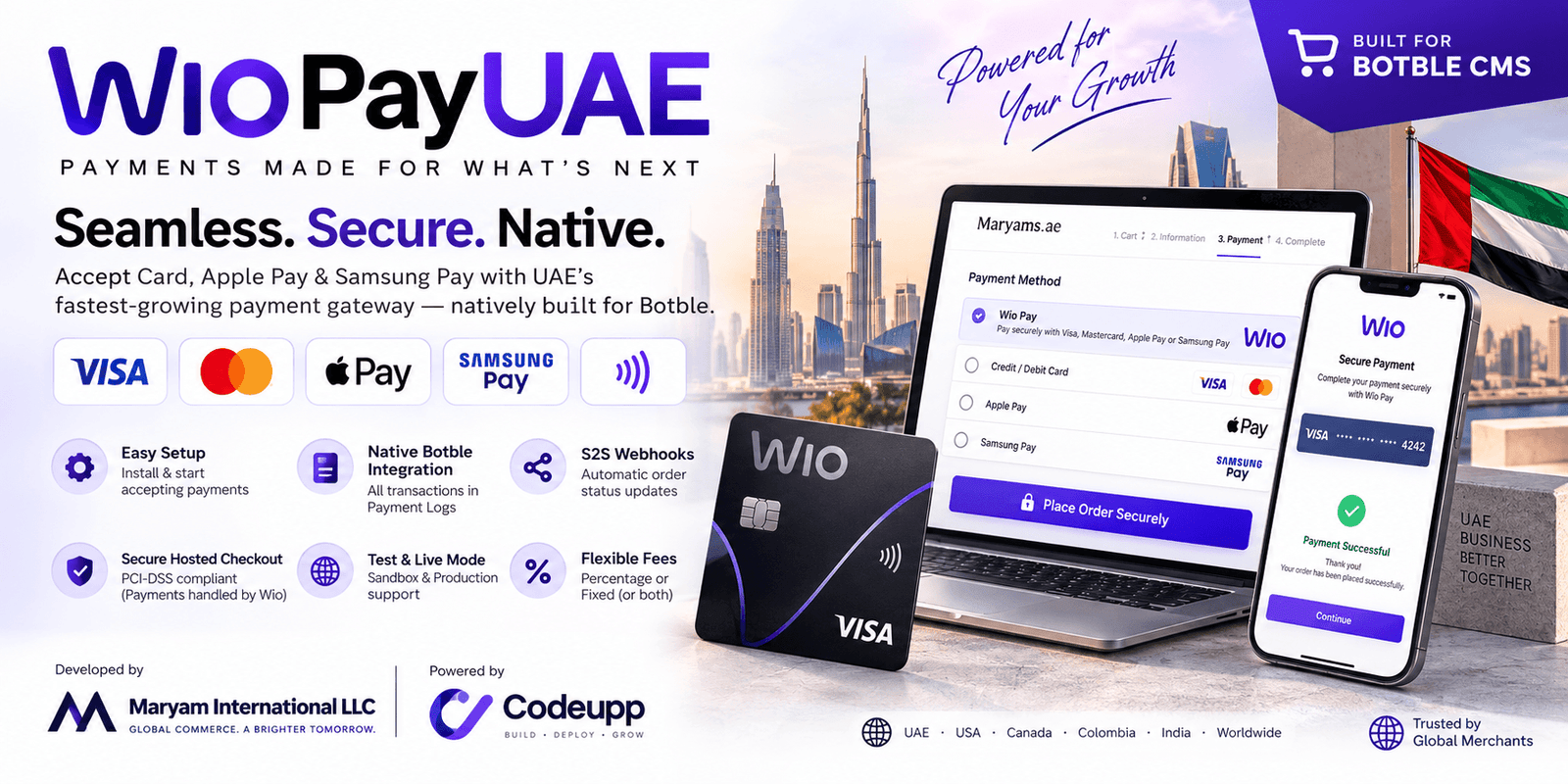
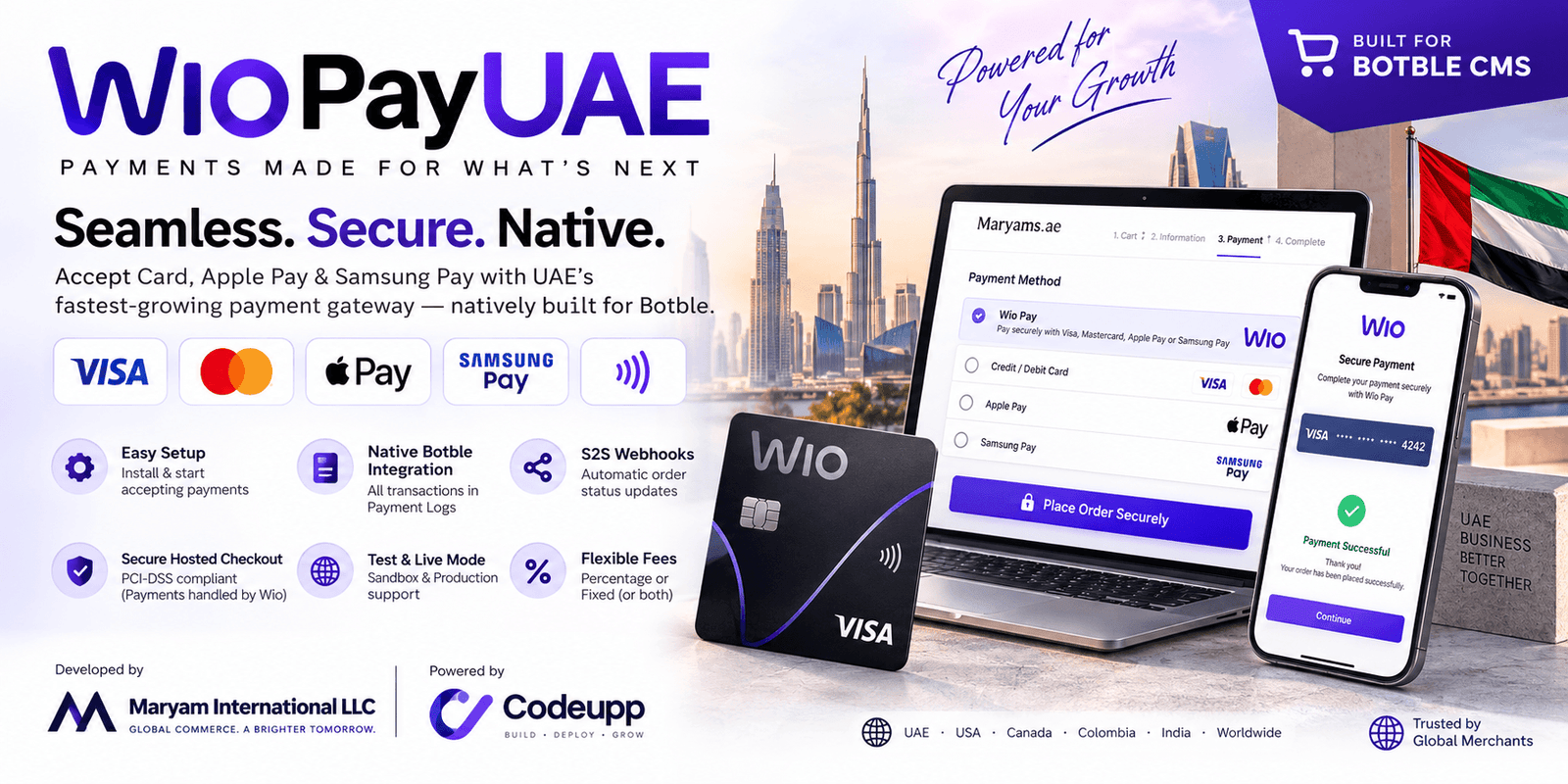
💳 WioPayUAESeamless, Secure, and Native Wio Pay Acquiring for Your Botble Store.
Unlock UAE’s fastest-growing payment gateway. Built natively for Botble. Let your customers pay via Card, Apple Pay, and Samsung Pay seamlessly.
🏢 About
WioPayUAE is proudly developed by Maryam International LLC, powered by Codeupp — building world-class eCommerce tools for global merchants.
🏢 Company
Maryam International LLC
🔧 By
Codeupp
maryaminternationalllc@gmail.com
+971553682656
🌍 Serving
UAE · USA · Canada · Colombia · India · Worldwide
🔥 Why Buy This Plugin?
"Stop losing conversions to clunky, outdated payment gateways."
✅ Zero Effort, Maximum Impact — Install, plug in your Wio API Keys, and instantly accept secure payments directly into your Wio Bank account.
✅ Redirection (Hosted) Checkout — Uses Wio Pay's ultra-secure Hosted Checkout redirect flow. Keeps your server out of PCI compliance scope while ensuring a flawless payment experience.
✅ Native Botble Architecture — Built exactly like the official Stripe integration. Your accounting is perfect. All transactions register directly in Botble’s native Admin > Payments > Payment Logs tab for full transparency.
✅ Test Mode & Live Mode Support — Seamlessly switch between Sandbox (bureaumeauat-acq) and Production (mea-apigw-wio) endpoints directly from the Admin Panel.
✅ S2S Webhook Synchronization — Fully automated server-to-server webhook callbacks. If a customer closes their browser early, your server still receives the CAPTURED or FAILED status and updates the order automatically.
✅ No Theme Code Changes Ever — Works on Martfury, Farmart, Shofy, and every Botble theme out of the box. Zero developer needed. Just install and activate.
✅ Advanced Fee Controls — Dynamically charge extra processing fees (Percentage %, Fixed, or both) when customers select this gateway to protect your margins.
🚀 How To InstallStep 1: Upload via File Manager
Log into your website's hosting panel (cPanel, Hostinger, etc.).
Go to File Manager and navigate to: public_html/platform/plugins/ (or your root path).
Upload and extract the plugin folder here.
⚠️ IMPORTANT: Make sure the folder name is exactly wio-pay-uae.
Step 2: Activate the Plugin
Log into your Botble Admin Panel.
Navigate to Plugins in the sidebar.
Find Wio Pay UAE in the list and click Activate.
⚙️ How To Configure The Admin Panel
Once activated, go to Admin Panel > Payments > Payment Methods. You will see a new Wio Pay configuration block (styled exactly like Stripe).
Configure the following fields:
Method name: How it appears to the customer (e.g. Credit/Debit Card (Wio Pay)).
Description: Short subtitle (e.g. Pay securely with Visa, Mastercard, or Apple Pay).
Method logo: Upload the Wio Pay logo or add from URL.
Environment: Toggle between Test Mode (Sandbox) and Live Mode (Production).
Wio Username: Your API Username from the Wio Pay Developer portal.
Wio API Key: Your API Key from the Wio Pay Developer portal.
Payment fee (%): Extra fee charged when customer selects Wio. Enter 0 for no fee.
Processing fee type: Choose Fixed or Percentage.
Additional fixed fee: A flat amount added on top (e.g. 2.9% + AED 1.00).
Available countries: Choose which countries this payment method is visible to.
🔄 Wio Pay Checkout Flow (Behind the scenes)
Customer Proceeds to Checkout ↓ Selects Wio Pay & Clicks Place Order ↓ Server securely requests /v1/apis/tokens & /checkout/apis/v2/transactions ↓ Customer is REDIRECTED to Wio Pay's Hosted Secure Page ↓ Customer completes 3D Secure / OTP ↓ Customer redirected back to your website (Order Success Page) ↓ Wio Pay fires S2S Webhook (AUTHORIZED / CAPTURED) to your server ↓ Botble Updates Order Status & Registers entry in Payment Logs ✅
📋 Webhook Registration (Required)
Wio Pay requires server-to-server (S2S) callbacks to guarantee order statuses.
Contact the Wio Pay Onboarding Team to whitelist your website's IP address and Webhook URL.
Provide them with your webhook endpoint (Our plugin automatically generates this for you, typically https://yourdomain.com/payment/wio/webhook).
The plugin will automatically reply to Wio with HTTP 200 {"status":"SUCCESS"} to stop their retry engine, exactly as documented in the V2 Developer Guide.
❓ FAQ
Q: Does it work if I change my theme?A: Yes! The plugin hooks directly into Botble's core payment engine. It works natively on any Botble theme.
Q: Are card details saved on my server?A: No. By utilizing the Redirection (Hosted) method recommended by Wio Pay, customers enter their card details on Wio's PCI-DSS compliant servers. Your site is never exposed to sensitive data.
Q: Where can I see failed or abandoned payments?A: Because it utilizes Botble's native core, every transaction attempt, success, or failure will register beautifully in Admin > Payments > Payment Logs.
📞 Support
Having trouble integrating with Wio Pay? We're here for you.
📧 Email: maryaminternationalllc@gmail.com
💬 WhatsApp: +971553682656
💬 Website: +https://codeupp.xyz
Response within 24 hours, Mon–Sat.
Have doubt? Contact us on WhatsApp
Our product is high quality. Contact us for any kind of custom work.