Advanced Shipping by CODEUPPFlexible Rates. Confident Vendors. Smarter Shipping.
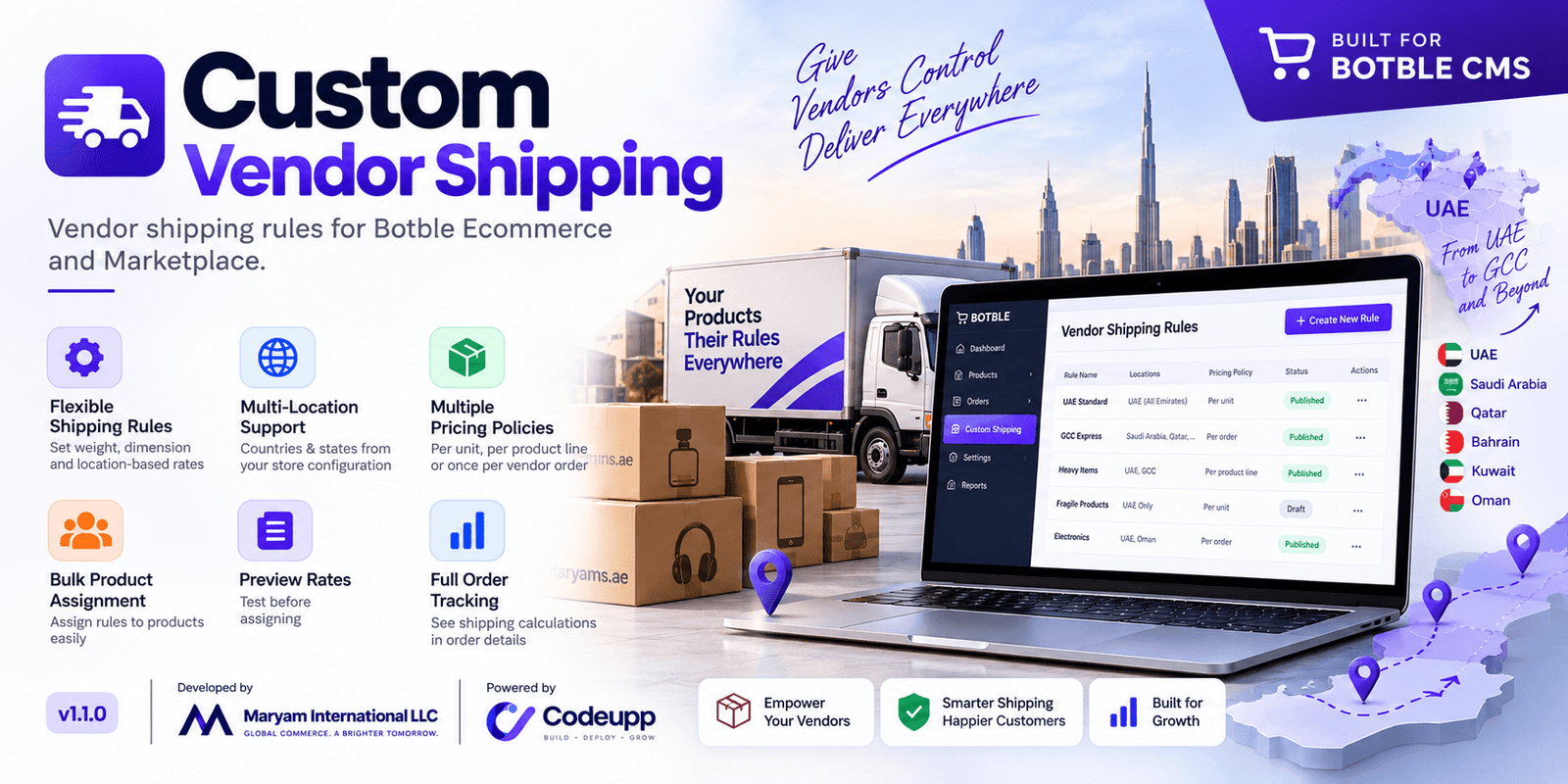
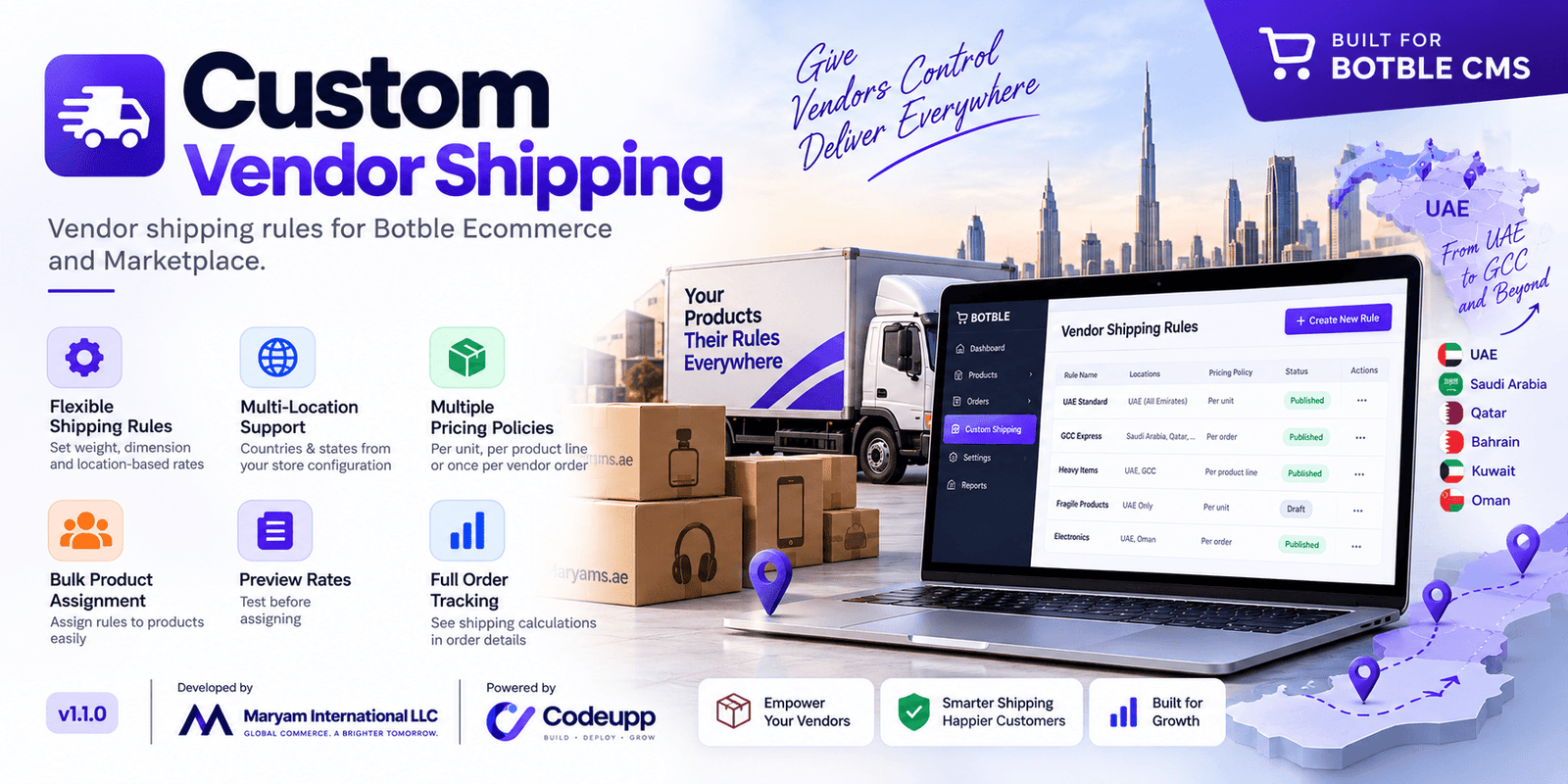
Give your marketplace vendors the flexibility to manage shipping for their products with Advanced Shipping by CODEUPP, built for Botble Ecommerce and Marketplace.
Different products need different delivery charges. Lightweight accessories, bulky furniture, and fragile household items should not always follow the same shipping calculation. Advanced Shipping lets vendors create rules based on delivery locations, product weight, and dimensions—then apply those rules to the products they sell.
From setting rates to reviewing calculations on completed orders, the plugin brings shipping management into the vendor dashboard.
Create shipping rules for different delivery needs
Vendors can create multiple named rules, such as Local Delivery, Heavy Products, or International Shipping.
Each rule can include:
Leave location restrictions blank when a rule should apply broadly, or select specific locations for more targeted pricing.
Country choices follow the website’s Ecommerce configuration. Where configured state lists are available, selecting a country loads the corresponding states. Where checkout uses text-based states, the plugin supports the same approach.
Choose how shipping is charged
Select the charging method that suits your products and business:
Charging method
How it works
Per unit
Multiplies the matching shipping price by the quantity purchased.
Per product or variation line
Charges the matching price once for each product or variation entry in the shipping calculation.
Once per vendor order
Charges the highest matching per-order fee once for that vendor.
For example, if a shipping tier costs 10 in your store’s currency:
Per-unit and per-line fees are added separately when combined with per-order rules.
Build flexible pricing tiers
A rule can contain multiple tiers, allowing shipping prices to change according to a product’s measurements.
Vendors can define minimum and maximum values for weight, length, width, and height. Blank limits remain unrestricted, and a matching tier with a price of zero provides free shipping.
Measurements apply to an individual product unit. The selected charging policy determines how quantity affects the final custom fee.
The first matching tier takes priority. Vendors can drag tiers into order or use the Move up and Move down buttons. Overlap warnings help identify ranges that could match the same product.
This also supports intentional fallback tiers—for example, placing a broad catch-all tier after more specific ranges.
Preview rates before assigning products
The built-in preview helps vendors understand a saved rule before using it.
Simply:
The result explains the matching tier, currency conversion, charging policy, and custom shipping fee. If the rule does not apply, it explains why normal shipping or unavailable delivery applies instead.
The preview does not change the product’s assignment. It evaluates one product against a saved rule; normal carrier rates, other cart items, discounts, and taxes are outside that preview.
Assign rules individually or in bulk
Vendors can select a shipping rule directly from the product creation or editing page.
For larger catalogs, bulk assignment allows them to search for products, select multiple parent products, and apply a published rule in one action. They can also clear assignments to return products to normal marketplace shipping.
Product variations inherit the parent product’s rule while using their own shipping measurements during calculation.
Each vendor can manage only their own rules and products. Digital products do not require shipping assignments.
Decide what happens when no rule condition matches
A published rule offers two no-match policies:
Use normal shipping
The affected product falls back to the marketplace’s normal shipping calculation.
Delivery unavailable
Available rates are removed for the affected destination, and the standard checkout submission is blocked until the customer changes the address or removes the product.
This gives vendors a choice between flexible fallback pricing and restricting delivery where their rule cannot provide a valid charge.
Draft, deleted, missing, or incorrectly owned rules revert to normal shipping.
Support mixed-product and multi-vendor carts
Customers may purchase products with custom rules alongside products using normal shipping.
For supported mixed carts, the plugin calculates custom charges and recalculates normal shipping for the remaining items. It adds the custom fee to the available normal shipping options.
Custom rules are evaluated separately by vendor. Marketplace settings continue to control unified-shipping allocation, discounts, and free-shipping behavior, so the final order shipping amount can differ from the custom fee alone.
Use your store’s currencies and measurement settings
Advanced Shipping is not restricted to one country or currency.
It follows the store’s configured:
A tier can use the store’s default currency or a specified configured currency. When necessary, the plugin converts the tier price into the store’s base currency using the configured exchange rate.
This makes the plugin adaptable to stores operating in markets such as the United States, United Kingdom, India, the UAE, and others—subject to the store’s configuration and compatibility testing.
Manage shipping rules from one dashboard
Vendor management tools include:
Cloning copies a rule’s settings and tiers, helping vendors create similar rules for other destinations without entering everything again.
Keep shipping calculations available for support
New checkout calculations can be recorded and displayed on admin and vendor order detail pages.
The record includes the applied rule and tier, product quantity and measurements, currency conversion, charging policy, outcome, and custom fee, alongside the final stored order shipping amount.
Finished order records remain unchanged when a vendor later edits or deletes a rule. This helps vendors and marketplace support teams explain how shipping was calculated at the time of purchase.
Built for Botble marketplace workflows
Advanced Shipping by CODEUPP uses Botble’s shared shipping integration and the selected Marketplace dashboard layout. Its calculation logic is not tied specifically to the Shein theme.
Requirements and compatibility:
Advanced Shipping by CODEUPP gives vendors practical control over delivery pricing—and gives marketplace teams clearer shipping rules to manage and support.
Have doubt? Contact us on WhatsApp
Our product is high quality. Contact us for any kind of custom work.
Published:
Sep 16, 2026 08:14 PM
Version:
v1.1.0
Category:
Tags: