


🚀 CodeUpp Visual Builder Pro (Advanced Shortcodes)
Take your eCommerce storefront to the next level.
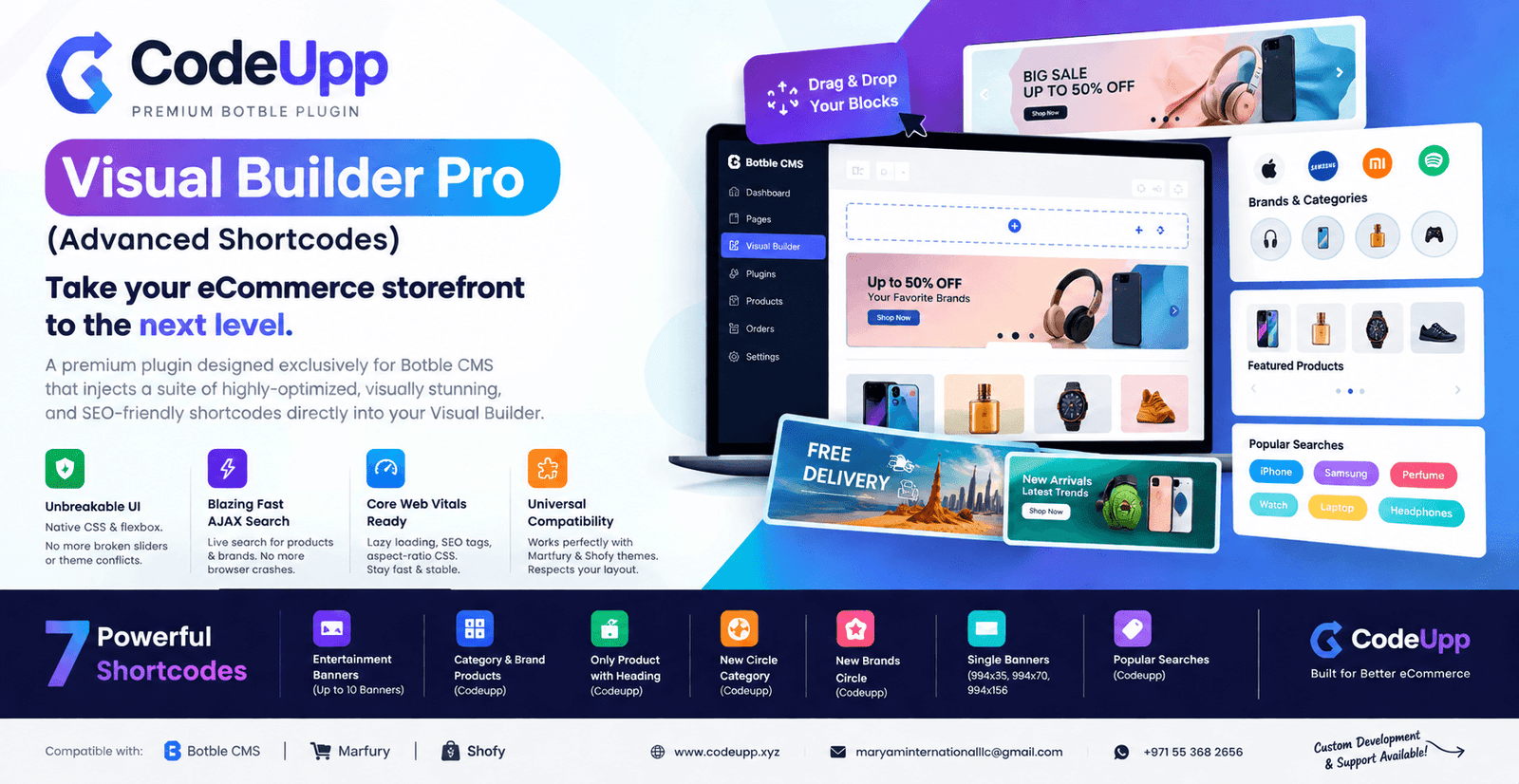
CodeUpp Visual Builder Pro is a premium plugin designed exclusively for Botble CMS that injects a suite of highly-optimized, visually stunning, and SEO-friendly shortcodes directly into your Visual Builder.
🔥 Why Get This Plugin?
Tired of broken sliders, theme conflicts, and slow page speeds? We built this plugin from the ground up to solve the most common eCommerce design frustrations:
Unbreakable UI: Built with native HTML/CSS flexbox and scroll-snap. No more clashing Javascript libraries or broken Owl Carousel arrows!
Blazing Fast AJAX Search: Instead of crashing your browser loading thousands of products at once, our admin shortcodes use live AJAX search to pull products and brands directly from your database.
Core Web Vitals Ready: Every single image and video uses lazy loading, explicit SEO dimension tags (width/height), and advanced aspect-ratio CSS so your layout never breaks—even if you upload the wrong image size.
Universal Compatibility: Engineered to work flawlessly with top Botble themes, including Martfury and Shofy. It perfectly respects your theme's boxed width and spacing automatically.
🛠️ How to Install
Download/ZIP the martfury-vs-builder-short-codes folder.
Upload the folder to your server's platform/plugins/ directory via File Manager or FTP.
Activate: Go to your Botble Admin Panel -> Plugins, find Martfury Vs Builder Short Codes, and click Activate.
Enjoy: Go to your Pages -> Visual Builder and start dragging and dropping your new blocks!
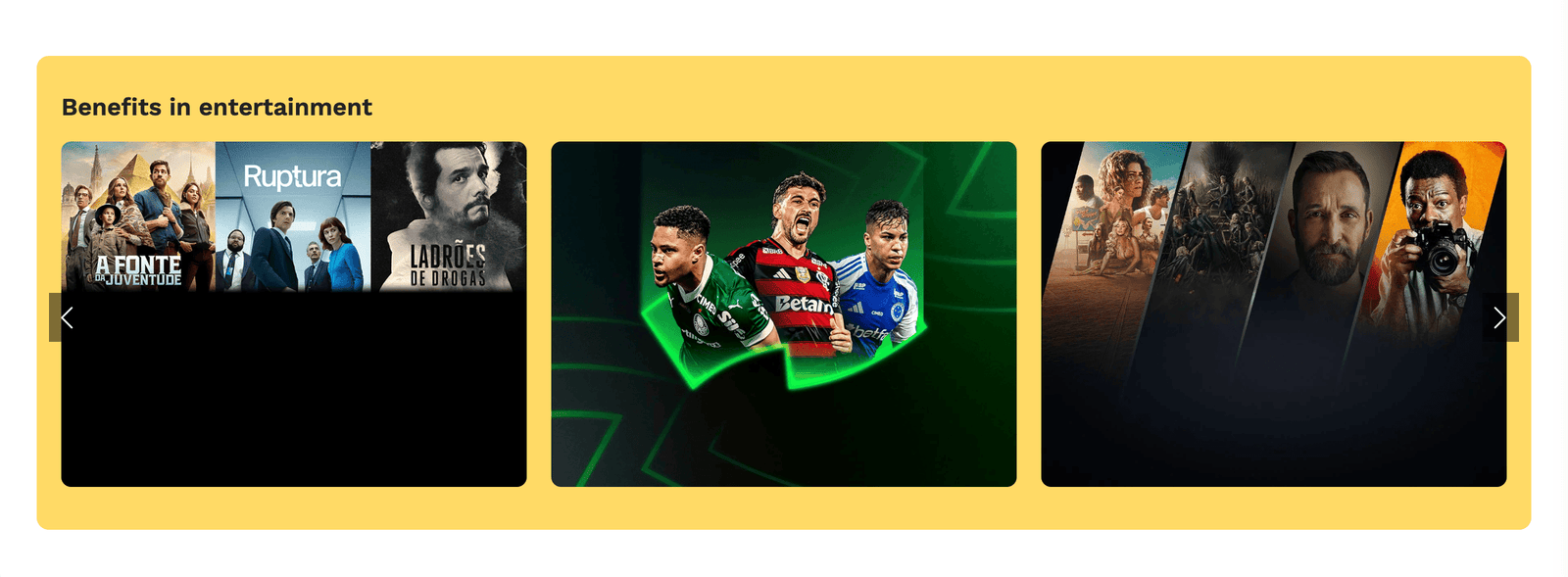
🎨 Available Shortcodes & How to Use Them1. Entertainment Banners (Up to 10 Banners)

Description: A beautiful horizontal scrolling slider for your custom campaign banners (supports Image, GIF, and Video).
How to Set: Enter a background color, a heading, and upload up to 10 banners.
Pro Tip: Renders perfectly at PC (225x167), Mobile (170x126), and Tab (295x219).
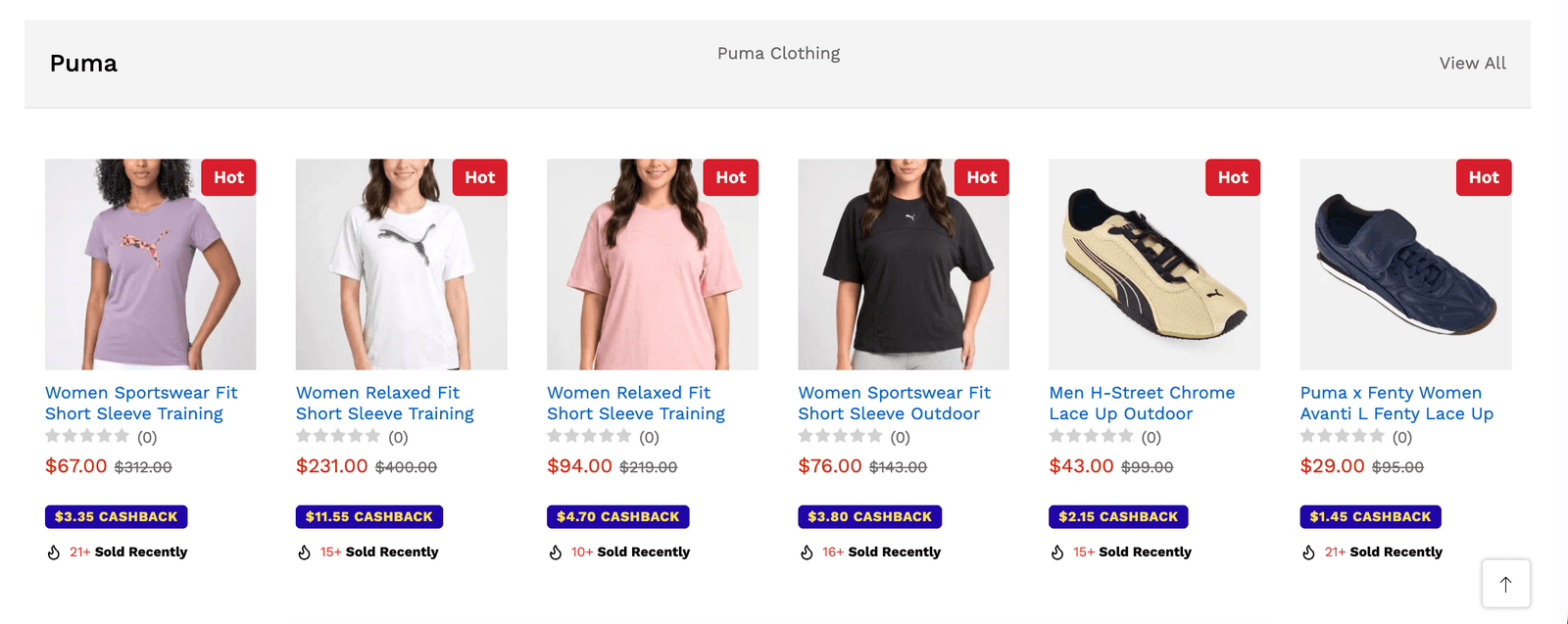
2. Category & Brand Products (Codeupp)

Description: Showcases products belonging to a specific Category and filtered by a specific Brand.
How to Set: Select a category from the dropdown, select a brand, and choose the maximum number of products to display.
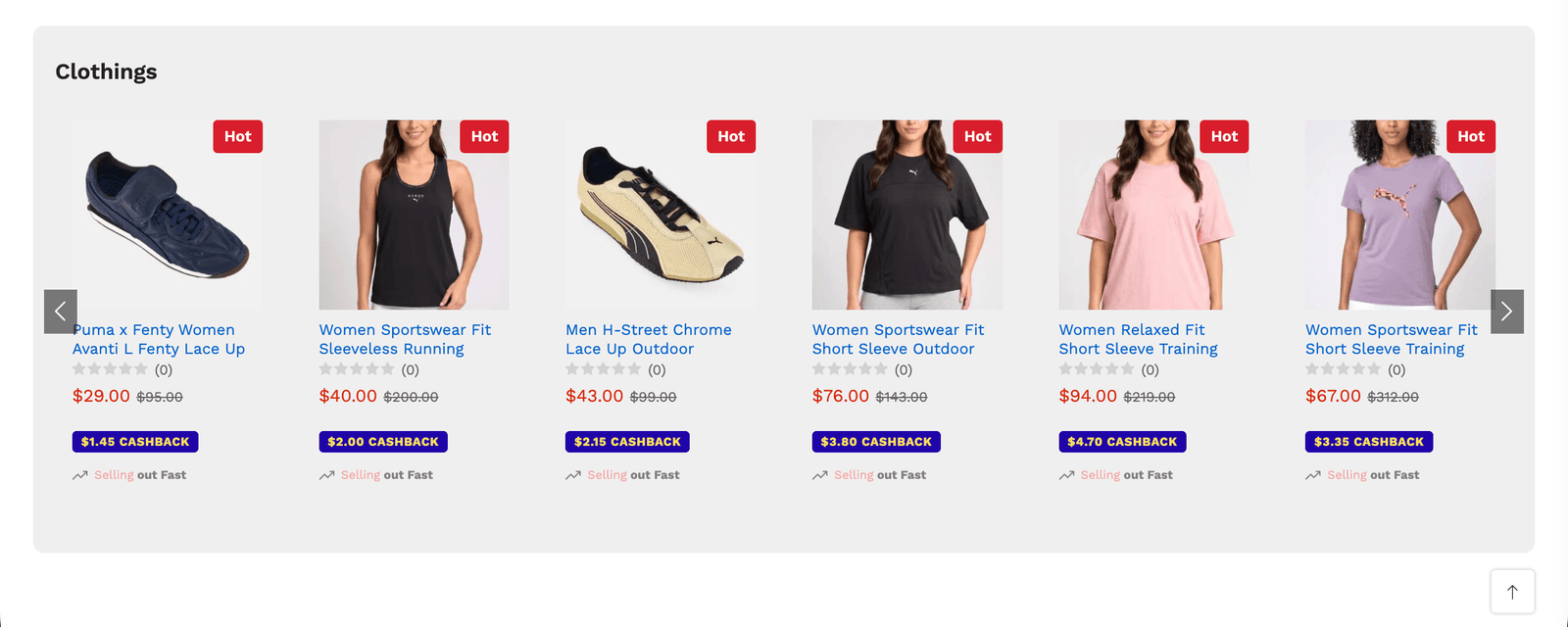
3. Only Product with heading Codeupp

Description: Create a custom slider of up to 20 specific, hand-picked products.
How to Set: Use the "Add More" tab dropdown in the admin panel to generate slots. Use the Live AJAX Search Bar to instantly find and select any product in your store. Displays 6 items (PC), 3 (Tablet), and 2 (Mobile).
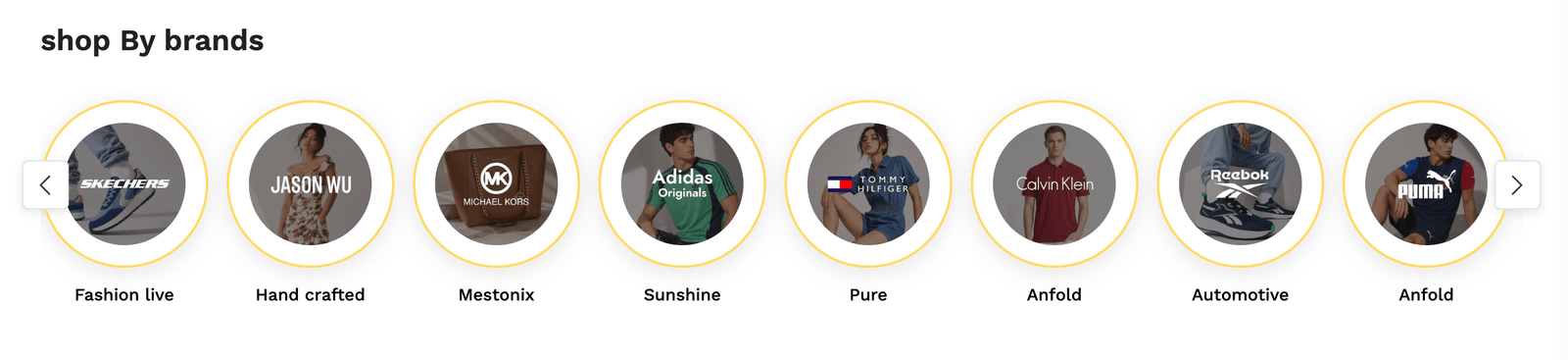
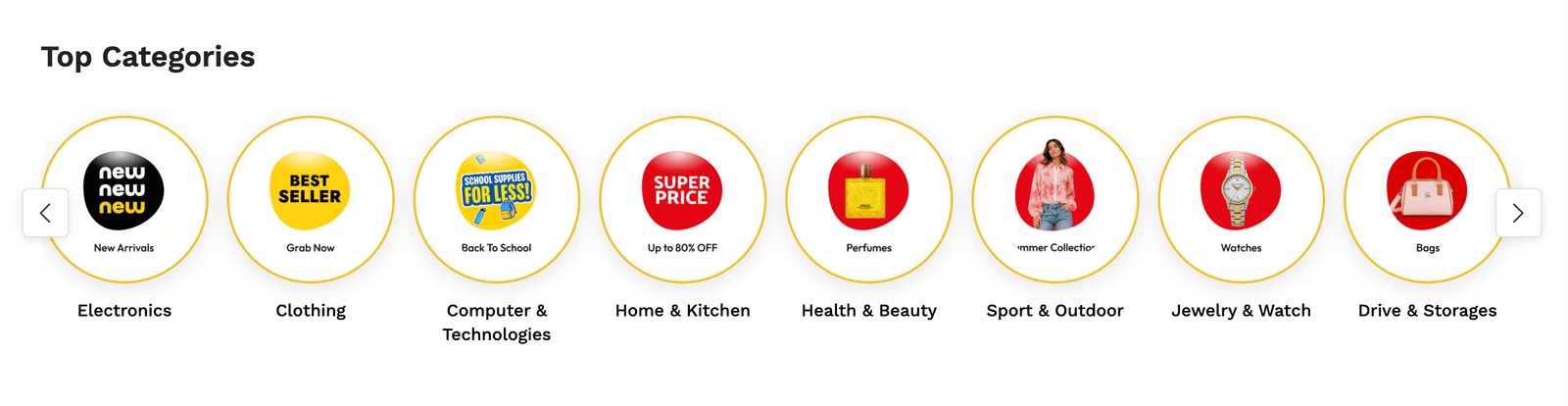
4. New Circle Category Codeupp

Description: Displays your categories in elegant, circular icon badges with customizable borders and soft shadows.
How to Set: Select the number of categories you want to add. For each tab, choose a category and upload a custom image. (Upload any size, and it will dynamically scale perfectly into a 250x250 circle!).
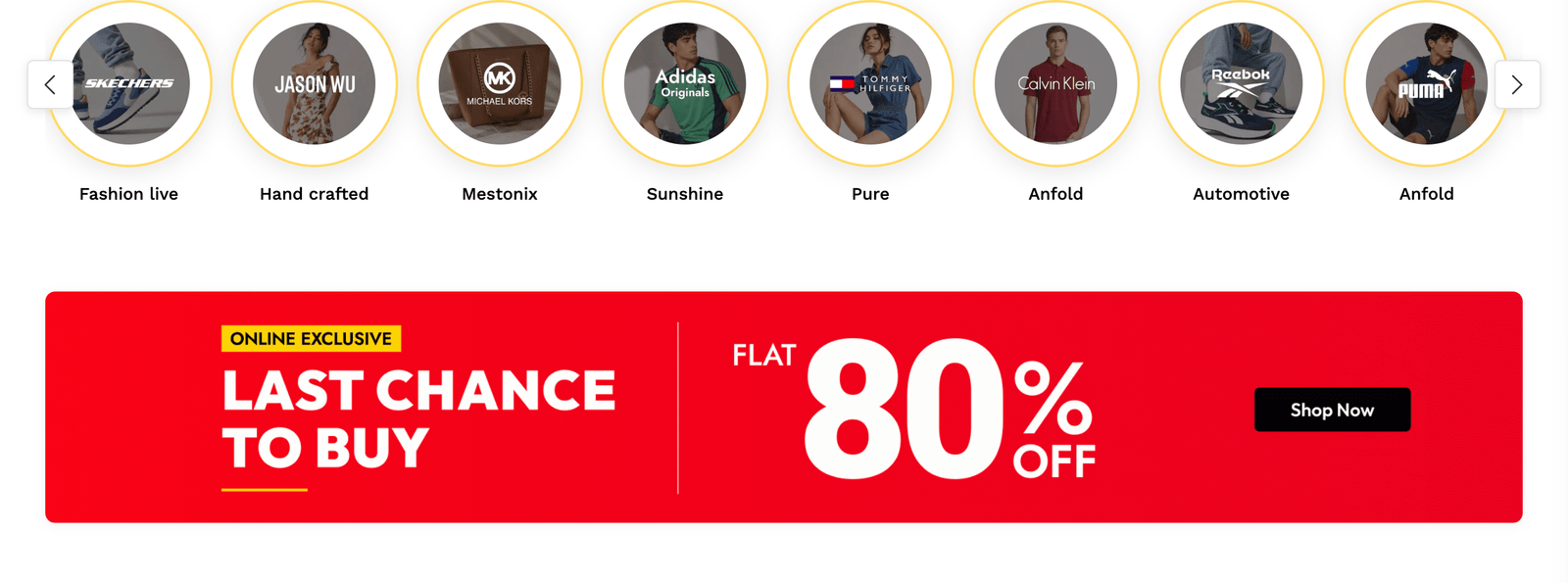
5. New Brands Circle Codeupp

Description: Just like the circular categories, but specifically built for your Brands.
How to Set: Uses a Live AJAX Search Bar so you can easily search through hundreds of brands without slowing down your admin panel. Upload a custom image or let it automatically pull the Brand's default logo!
6. Single Banners (994x35, 994x70, 994x156)


Description: Three dedicated shortcodes for ultra-wide, single-strip promotional banners.
How to Set: Choose the exact size you need (35px, 70px, or 156px height). Upload your image or video and paste a redirect link. The plugin will automatically lock the aspect ratio so it scales perfectly on all devices while maintaining the exact 994px proportions.
7. Popular Searches Codeupp

Description: Display a sleek, left-aligned block of pill-shaped keyword tags to help guide your customers' searches.
How to Set: Choose Dynamic (automatically pulls your latest Product Tags) or Hardcoded (manually enter up to 72 keywords and redirect links). You can easily customize the tag text color and background color to match your brand.
📝 Changelog
Version 1.0.0 - Initial Launch
🚀 Released CodeUpp Visual Builder Pro.
✨ Added 7 premium, responsive shortcode blocks.
⚡ Implemented custom AJAX search controllers for massive performance gains.
🛡️ Added unbreakable native CSS scroll-snap sliders.
🏢 About Us
CodeUpp is a premium web development and software engineering agency. We specialize in building high-performance, conversion-optimized eCommerce solutions, bespoke plugins, and advanced integrations. We don't just write code; we engineer scalable digital experiences that drive sales and look beautiful doing it.
🌐 Website: https://codeupp.xyz
📞 Contact Us
Need custom development, support, or a totally bespoke eCommerce platform? Reach out to us directly!
📧 Email: maryaminternationalllc@gmail.com
💬 WhatsApp: +971 55 368 2656
Have doubt? Contact us on WhatsApp
Our product is high quality. Contact us for any kind of custom work.

This item was featured on Marketplace.Codeupp.xyz
Published:
Sep 06, 2026 07:27 PM
Version:
v1.0.0
Category:
Tags: